 Private · on-device · free
Your day on the PC,
calmly in view.
Pulse brings Android-style Digital Wellbeing to Windows — screen time, app usage, focus sessions, and hearing protection, all on your machine.
Checking the latest release…
Everything you track, calmly
Tools that help you be mindful of your computer time — without nagging.
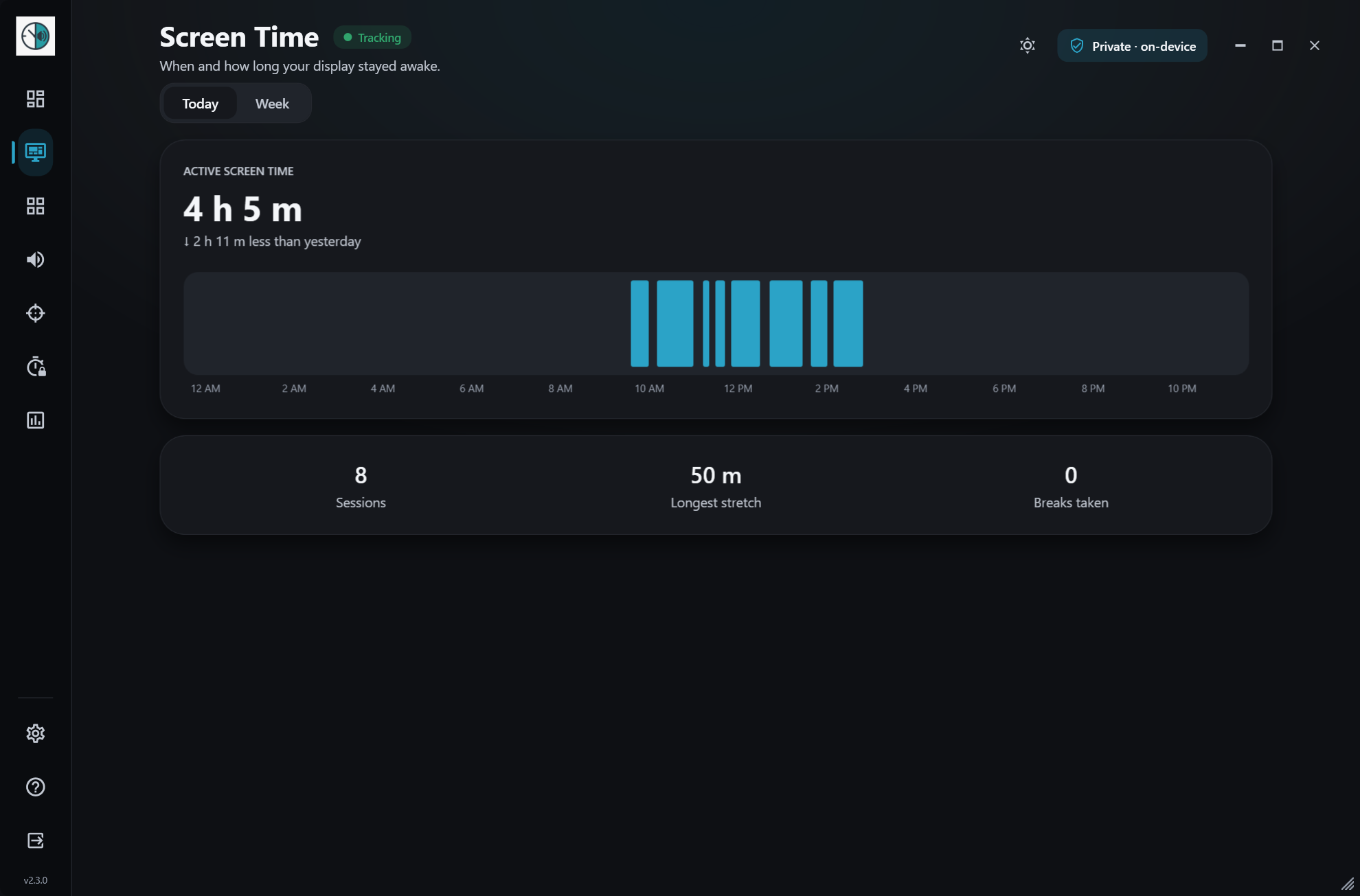
Screen time
Active vs. idle time at a glance, with today and weekly views and your longest stretches.
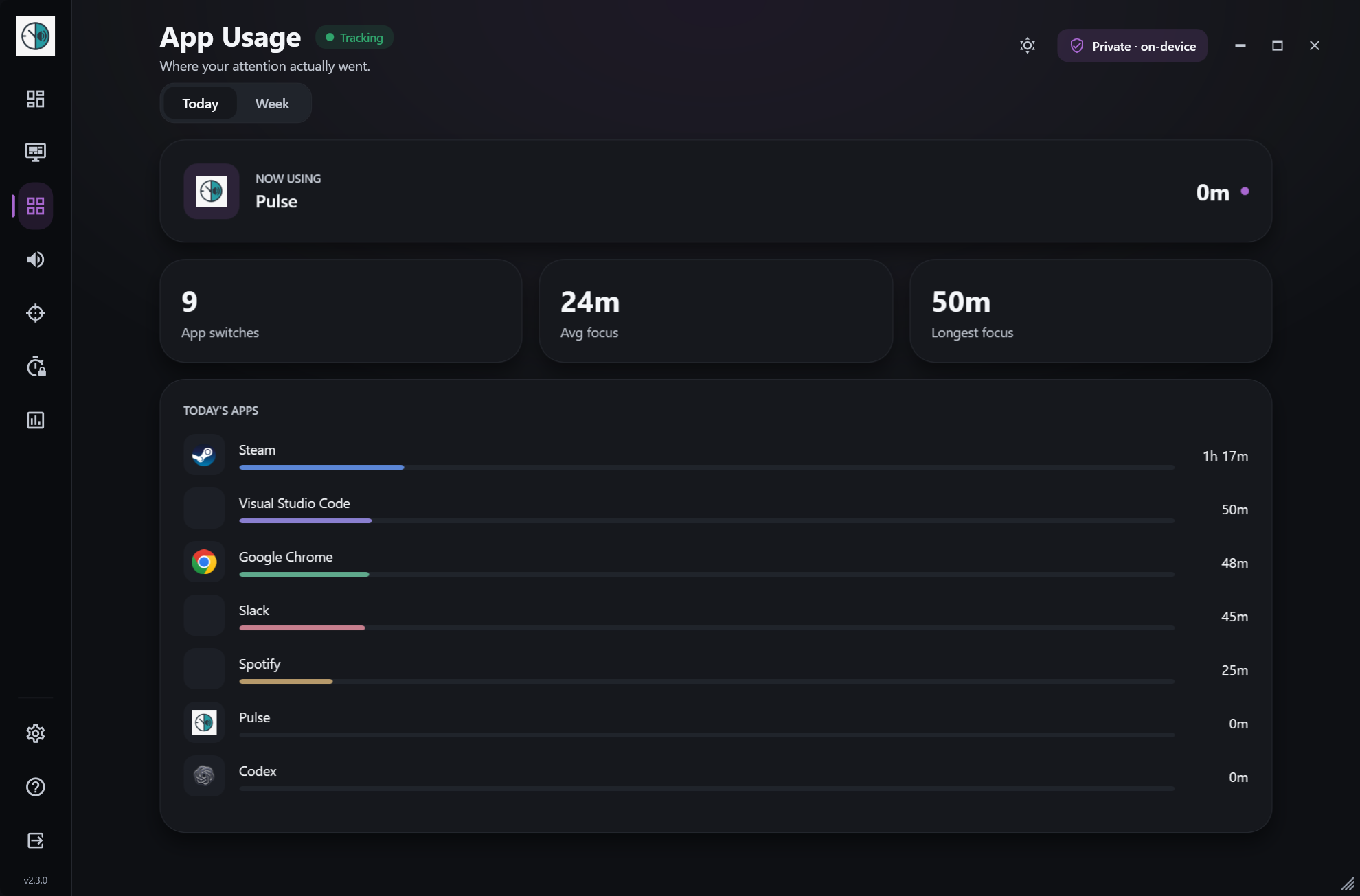
App usage
See which apps take your time, ranked with friendly names, switches, and average focus.
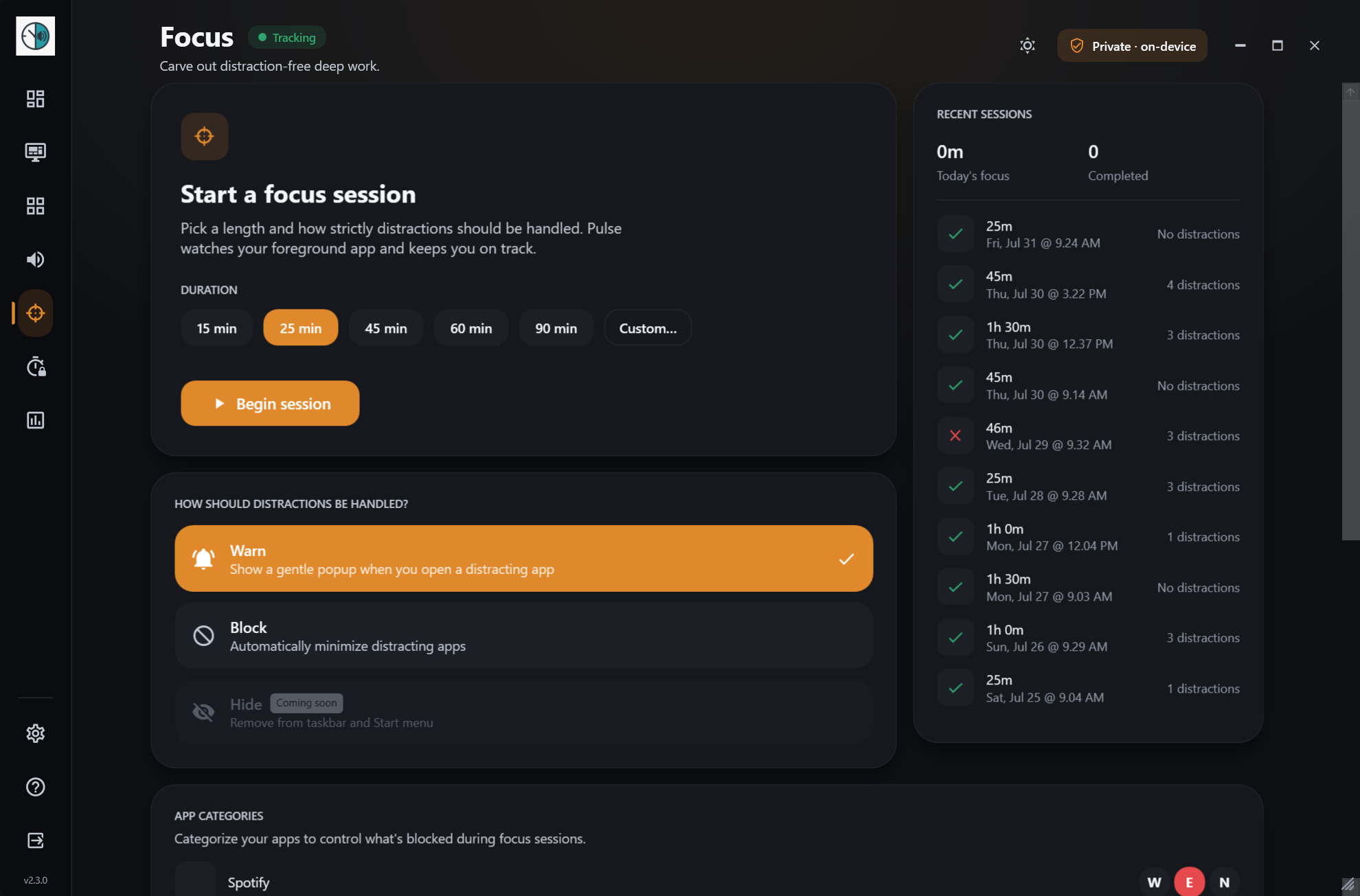
Focus sessions
Pick a duration, tag distracting apps, and let Pulse warn or block them while you work.
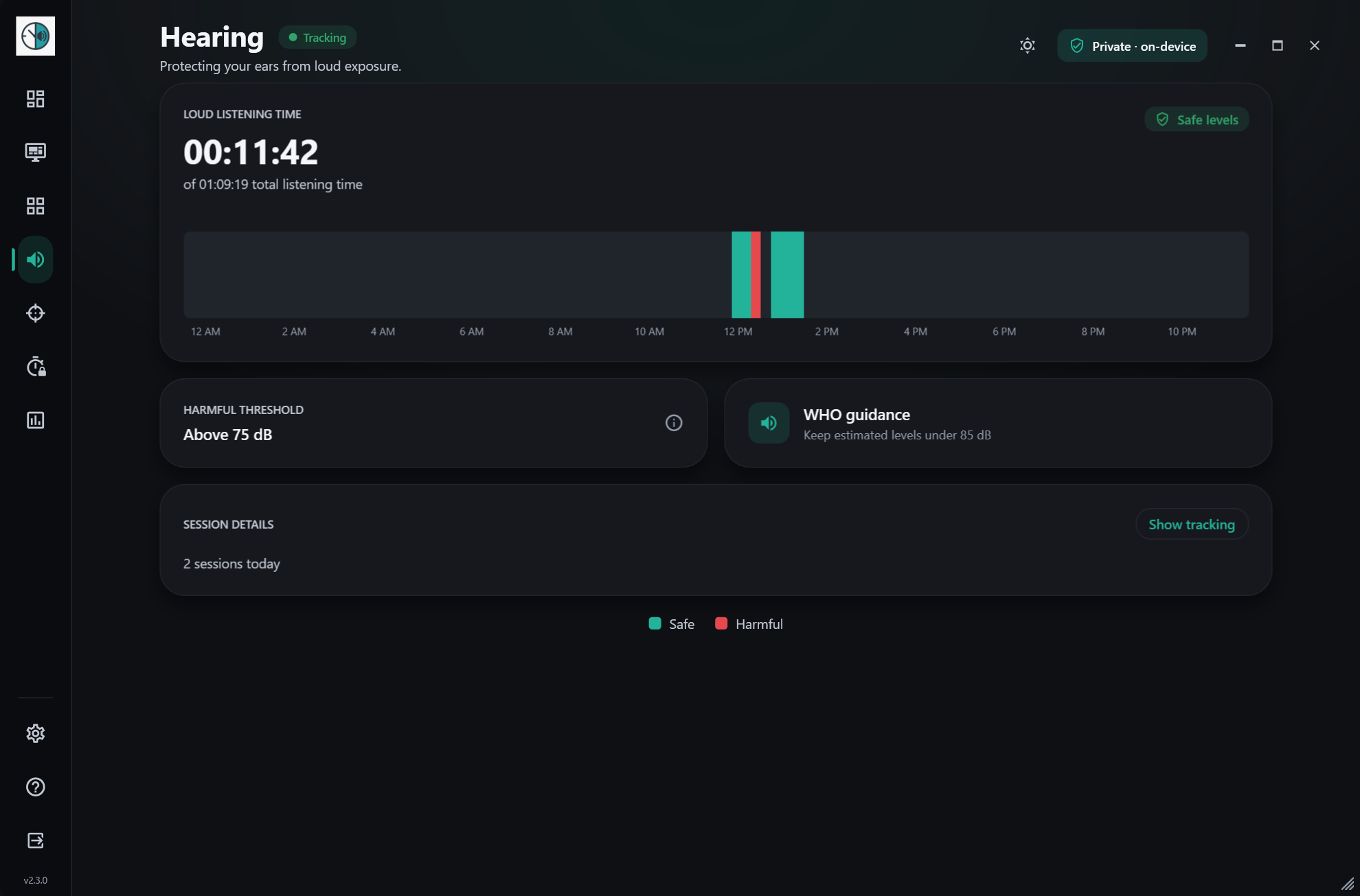
Hearing
Estimates your listening level from system volume and flags time above 75 dB. Never records audio.
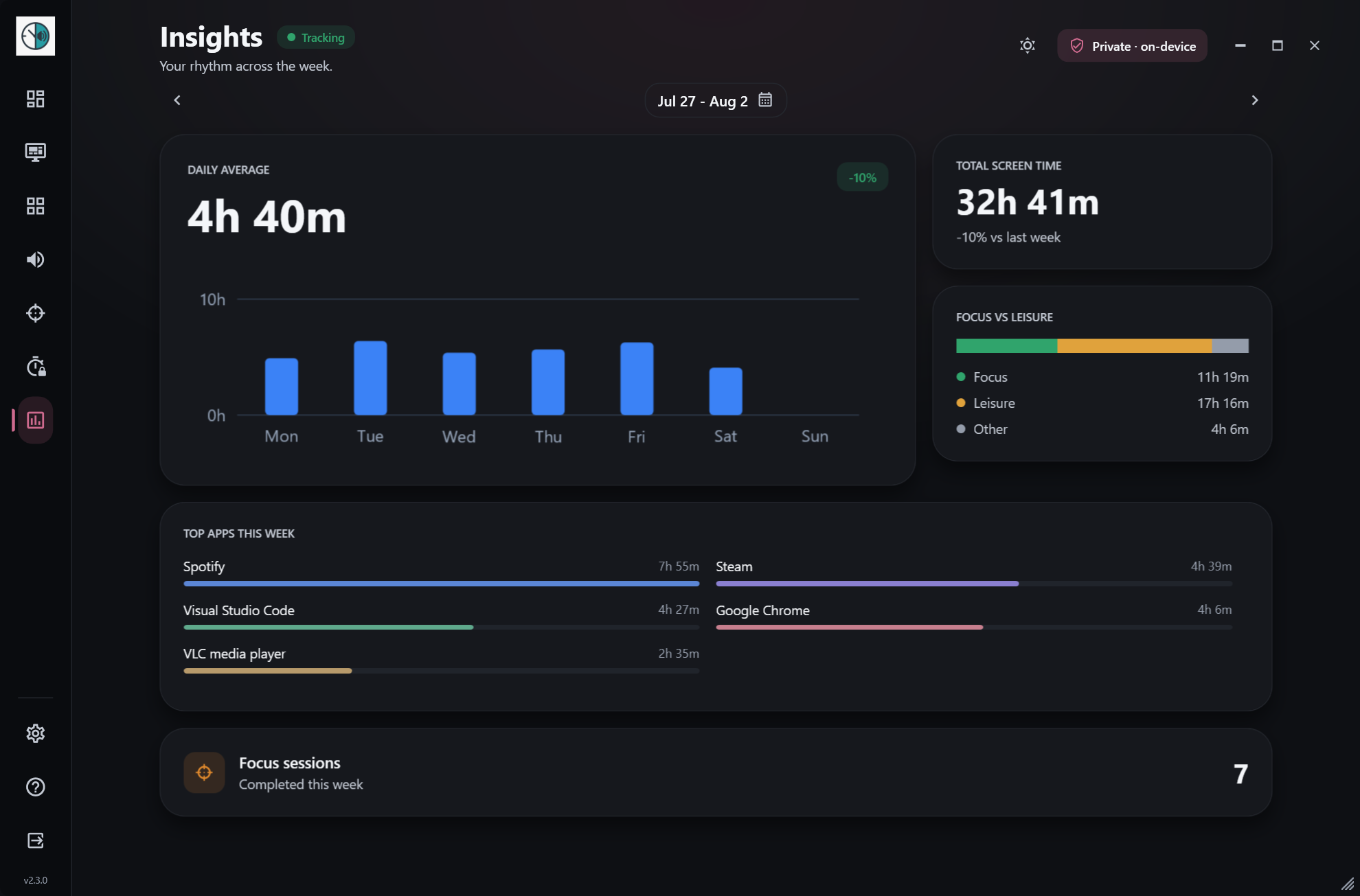
Insights
A weekly report with daily averages, peak times, top apps, and week-over-week trends.
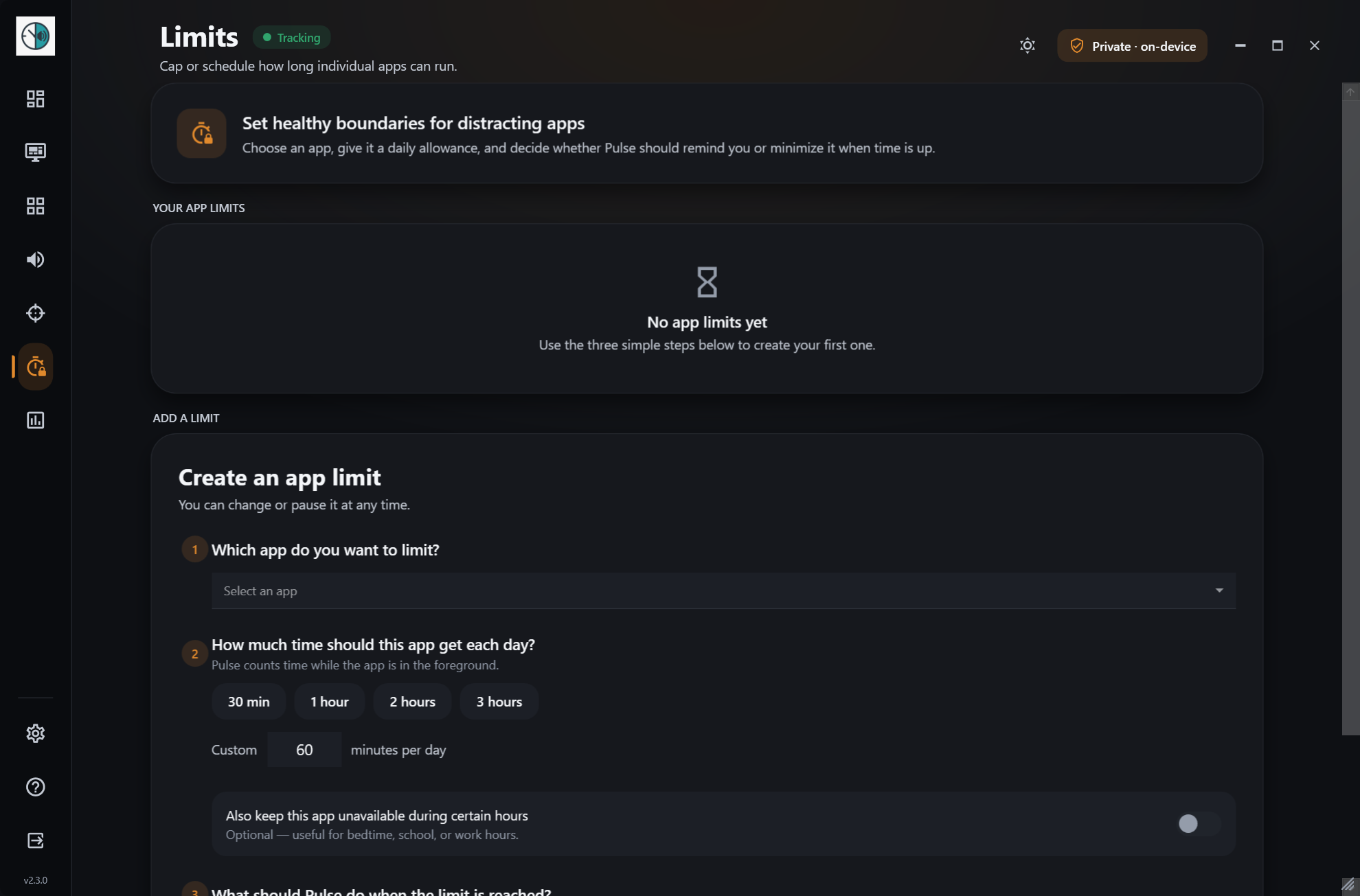
App limits
Give an app a daily allowance or unavailable hours, and get a reminder or have it minimized.
Breaks & Wind Down
20-20-20 eye-break reminders during the day and a gentle screen glow when it's time to stop.
Your language*
English plus 13 translations, from 简体中文 to Español and हिन्दी. Follows Windows, or pick one in Settings.
Private by design
No account, no cloud, no telemetry. Everything stays in a local database on your PC.
* Translated with AI assistance and may contain mistakes. Report a translation issue
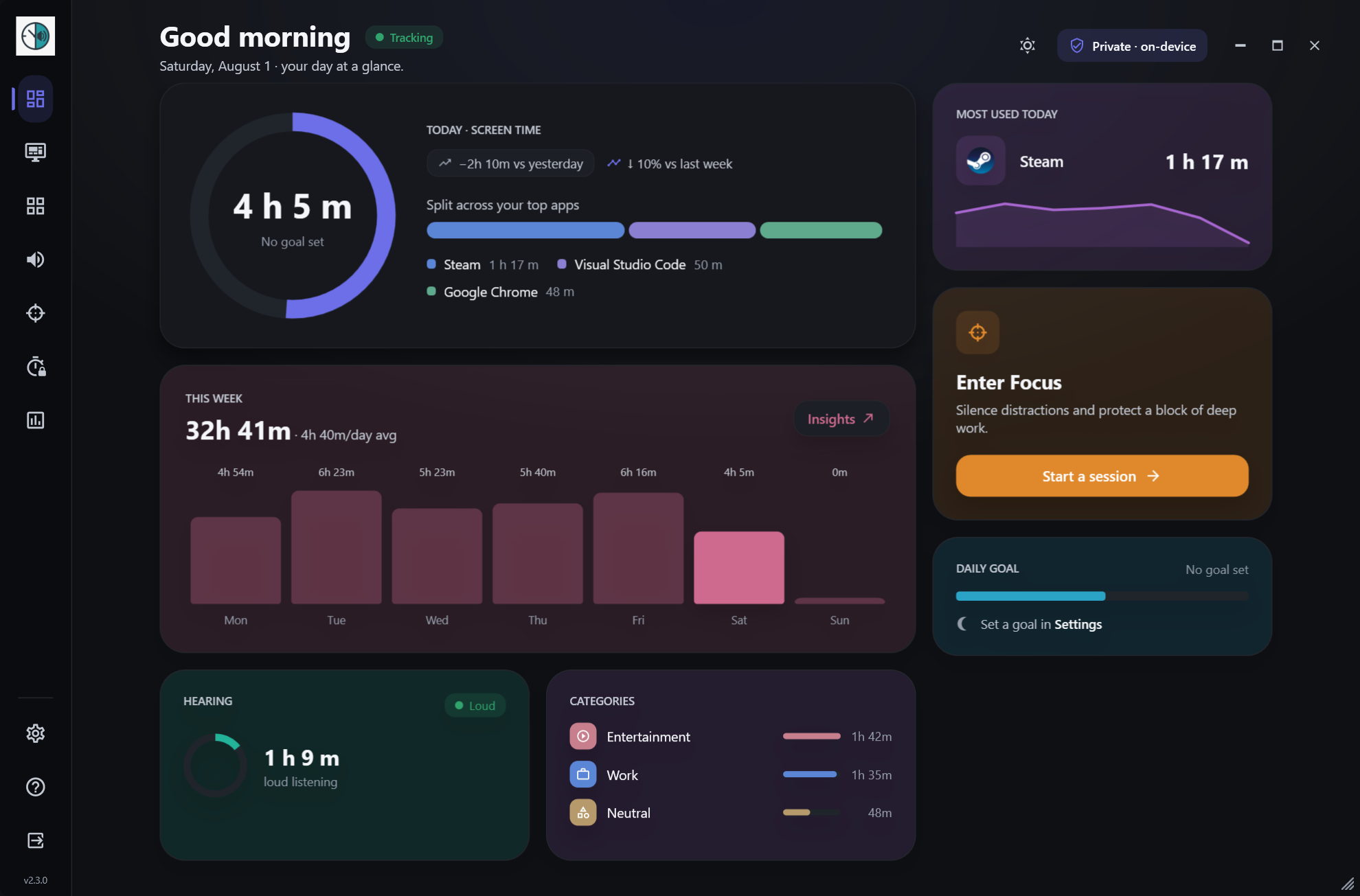
See it in action
A calm graphite interface with a signature color for every section.
Get Pulse for Windows
Free and open source. Installs without admin rights and updates itself. Windows 10 / 11.
Checking the latest release…